On this page
Agent skills are folders with a SKILL.md that teach Claude Code, Codex and other agents how to do a job. They change often. But once you copy one into .claude/skills or .agents/skills, nothing tracks it. When the original improves, your agent keeps following the old instructions, and a stale skill doesn't fail. It just quietly does worse work.
skill-check is a free, open-source (Apache-2.0) plugin for Claude Code and Codex that warns you at the moment a skill is used, when a newer version exists.
How it works
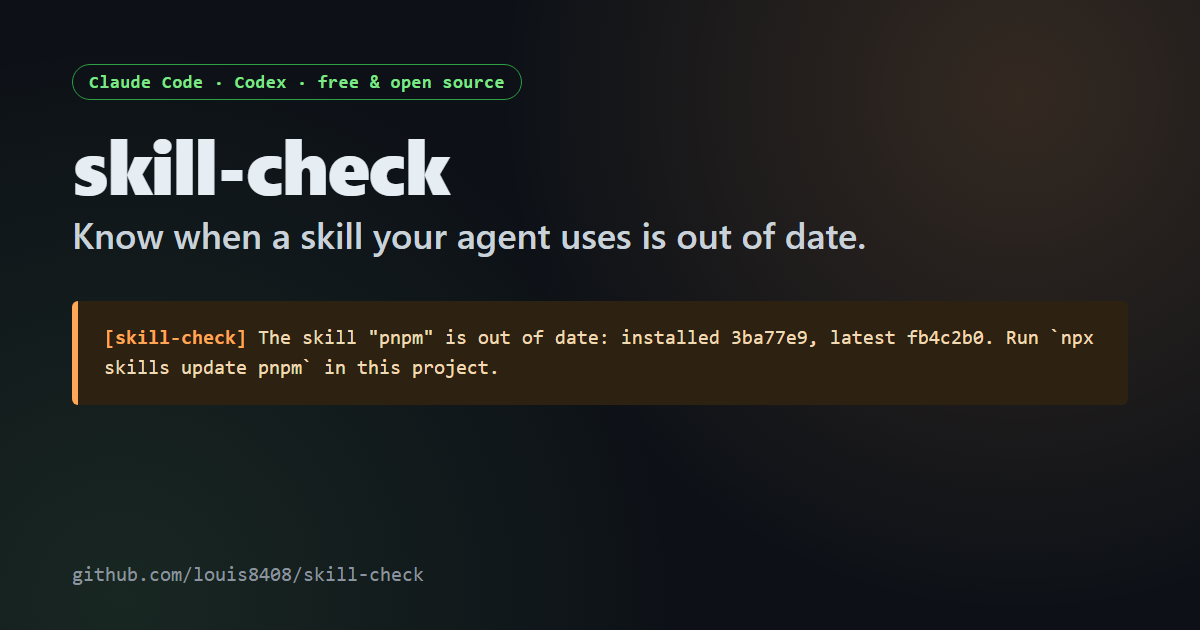
At session start, hooks check your skills in the background. When the agent opens one that's out of date, you and the model see one line:
skill-check: The skill "pnpm" is out of date: installed 3ba77e9, latest fb4c2b0. Run
npx skills update pnpmin this project.
It never blocks or edits anything. There's no server and no telemetry; the only network calls go to the places your skills came from.
What it understands
npx skillsinstalls. It compares the content hash in your project'sskills-lock.json(and the global lock) with upstream. On a public project that commits its skills, 7 of 9 were out of date.- GitHub Spec Kit skills. Since Spec Kit 1.4.2, every skill it generates records
metadata.version, after a feature request that went from proposal to release in under a week. - Any skill with
metadata.source. It compares by version, then by content and commit history, so it catches updates even when nobody bumped the version.
Why version numbers aren't enough
In 597 public skills, most versions say 1.0.0 forever. One popular skill changed in more than ten commits and still says 1.0.0. That's why skill-check also compares content. Testing on real projects mattered too: every older npx skills lock file I found used a different hash format, and a Windows checkout changes line endings. Both would have caused false warnings, and both are handled now.
Install
Claude Code: /plugin marketplace add louis8408/skill-check, then /plugin install skill-check@skill-check.
Codex: codex plugin marketplace add louis8408/skill-check, then codex plugin add skill-check@skill-check, then trust its hooks in /hooks.
FAQ
A skill shows as "unknown". What now?
It has no version information. Add metadata.source (the URL of the skill's original folder) to its frontmatter, or install it with npx skills.
I write skills. What should I do?
Add metadata.source and metadata.version to your SKILL.md frontmatter. That's what lets your fixes reach people who copied your skill.
Key takeaways
- Copied skills go stale silently; skill-check tells you when you use one.
- It reads
npx skillslocks, Spec Kit versions andmetadata.source. - Free, open source, hooks only, no telemetry.
See the skill-check listing on HOL for its trust score and scan, and the source on GitHub. Feedback on skill sources it doesn't understand yet is very welcome.